AI promised us a leisure revolution but delivered us more documents to consume. I designed a voice-first app to move my work away from the desk and into the spaces that suit me.
A false promise
Generative AI will change the way we live and work, forever. We will have more time to do fun, deep, meaningful work. We won’t need to write those tedious emails and Slack messages, because AI will instantly generate a draft or better still your personal agent will proactively do it on your behalf. Headlines over the last few years during the mass adoption of generative AI spoke of us being on the cusp of a revolution, where we’d have more free time and we’d outsource the tedium, allowing us to focus on the work that would be meaningful again. Big tech CEOs predicted that in a decade or so we’ll never need to work again with work becoming an optional hobby.
Then reality set in, and the advent of AI in the workforce went supernova: regular mass lay-offs became the norm, everyone was expected to take on more responsibilities, and designers, well, had to pretty much do the entire spectrum of the product life cycle — 5x according to Meta. The race to the bottom began and even the facade of corporate wellness went out of the window. Work quickly became an anxiety-inducing marathon that had the finish line moved further back each week, as new AI tools, processes and ways to optimise them all came to the fore.
Mental health issues arising from work related stress and anxiety continue to grow at an alarming rate. Fear and anxiety have become the default state in the workplace, due to job insecurity, with employees overwhelmed by the sheer volume of work being placed on them. Even if it’s about making decisions and less busy work, consuming and digesting large volumes of information to make these decisions comes with a high risk of mental fatigue and burnout.
Document review fatigue?
Ironically, as a designer, I now have more AI-authored documents to review, comment on and then refine to make product and business decisions.
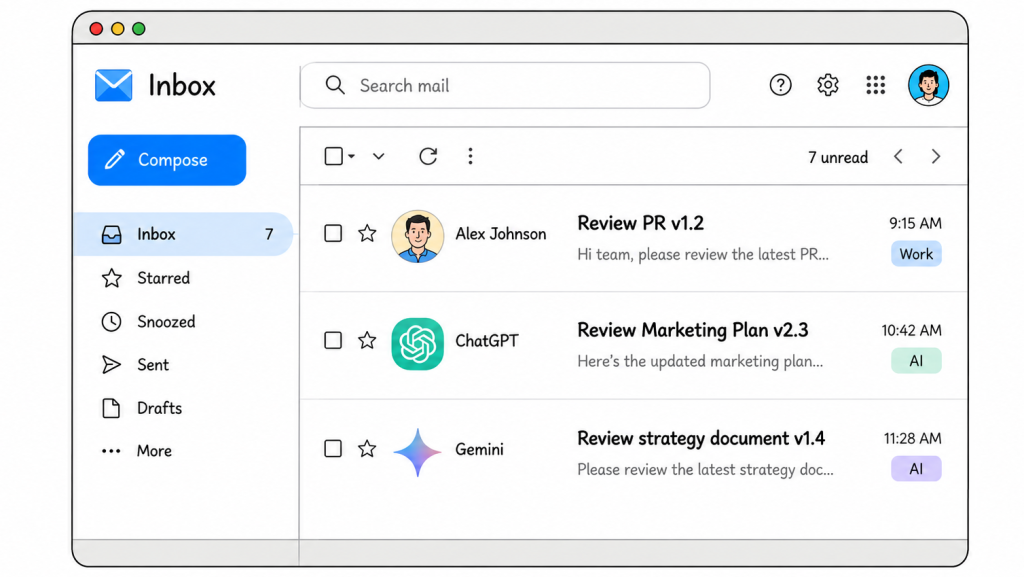
These documents are typically pretty dry, which means reading them can be quite a chore. Sometimes I use tools like NotebookLM to generate summaries for distilling long form complex documents. But to get to the heart of some of these I need to read them verbatim and comment on them, to really understand the nuanced concepts and set a clear direction for further refinement.
Herein lies the problem. I don’t much like staring at a screen reading turgid documents every day. I sometimes load them onto an iPad and sit outdoors, which is a welcome change from my desk, but still I have my view locked onto a screen. Alternatively printing them and then hand-writing comments has the added headache of re-ingesting and reviewing my scrawls into meaningful actions, which is far too cumbersome.
“To get to the heart of some of these documents, I need to read them verbatim… summaries just don’t cut it.”
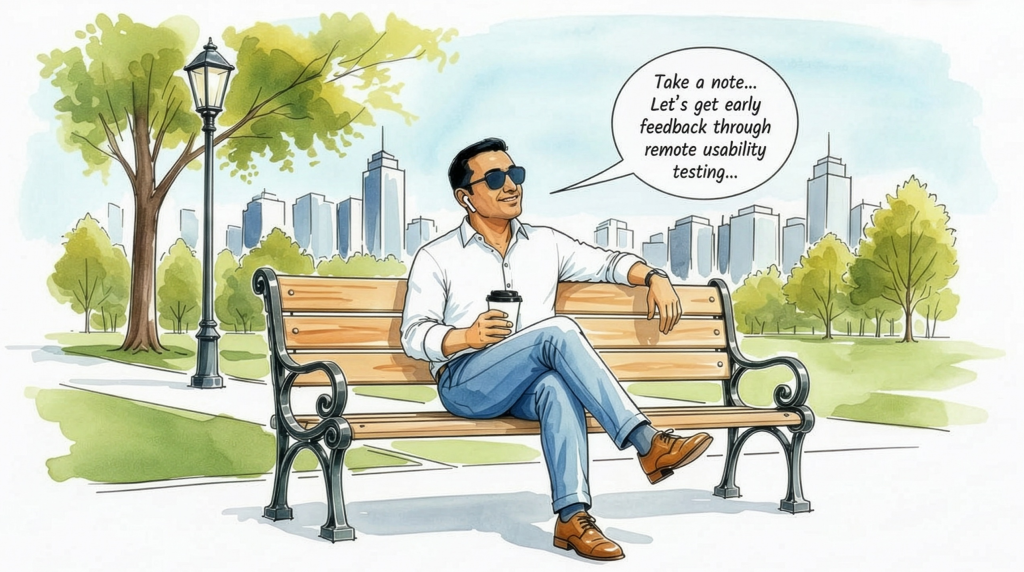
Take down this note …
It was then I realised, why couldn’t I just listen to these documents? Better still, whilst listening, give my feedback directly to an assistant that could record my comments back into the Google Doc. I could then ask an agent like Claude Cowork to make further refinements based on these comments. Not having to sit and read would mean I could do this whilst taking a stroll or even when preparing meals.
The functionality I wanted was simple: supply a Google Doc and have it read to me verbatim, be able to stop it at any time through voice instructions and make comments which it added to the doc. I also wanted…
- to not have to be at my desk whilst reviewing.
- to not have to look at the screen to operate it.
- to be hands-free, so I could do other tasks if I chose.
I had looked at voice apps like Speechify and Wisperflow but they were not quite there when it came to adding comments to a Google Doc through conversational dialogue. NotebookLM only did summaries, and fell short on providing feedback in the form of a single conversational assistant. Whilst I was developing this app Google recently announced voice reading and editing in Google Docs at their Google I/O ‘26 conference, but not a voice commenting feature like the one I sought.
It genuinely felt like there was an opportunity to explore some interesting solutions to this problem. Having spent my time experimenting with multi-modal interfaces and releasing Thia, a multi-modal open-source ideation whiteboard partner, I felt confident I could build an app that could be my reader and comment taker relatively quickly using Gemini Flash Live in AI Studio.
What comes first, the model or flows?
Pop quiz, what is built first, the underlying model or the flows? In this instance I built them in parallel. So, after some whiteboarding to figure out a design concept along with a relatively succinct product requirements document, I built the model and flows simultaneously; the underlying app in Google AI Studio and a design system and screen layouts in Claude Design. I literally had two windows side-by-side and switched between them so I wasn’t wasting time waiting on the models. I then supplied the design.md Claude generated, screen shots and some of the specific animation implementations, as context to Gemini 3.1 Pro to integrate into the app.
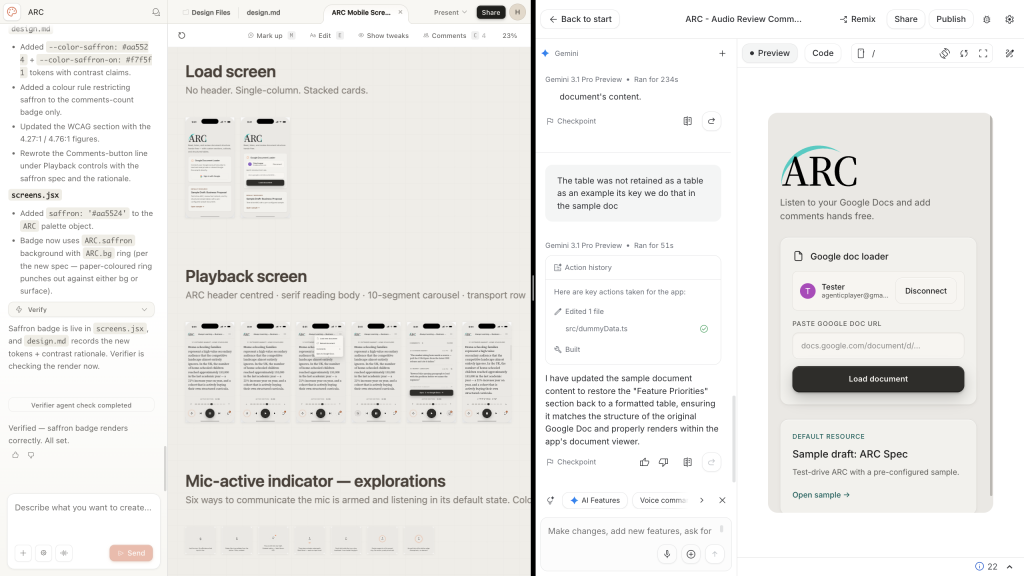
This was the first time I used Claude Design on one of my projects in anger. I found it relatively competent at generating visuals beyond a design concept, but it would let inconsistencies creep in without very clear direction, and token limits were far from generous on the Pro plan.
After a few rounds of split screen prompting, my hands-free reader / comment taker app, Audio Review Companion — ARC, was ready to test. It was really important to me that the conversational interactions be as if I was talking to an assistant who could take notes for me as I spoke, so I configured Gemini Flash Live to prioritise speed for a snappy performance.
The big advantage of using a single model to read and navigate meant it was like talking to someone who understood the document whilst also acting as a guide. I could instruct ARC with comments like “start reading section two” or “go to the part with the competitive analysis”. I genuinely found the app liberating, in that it let me escape my traditional desk- bound workflow.
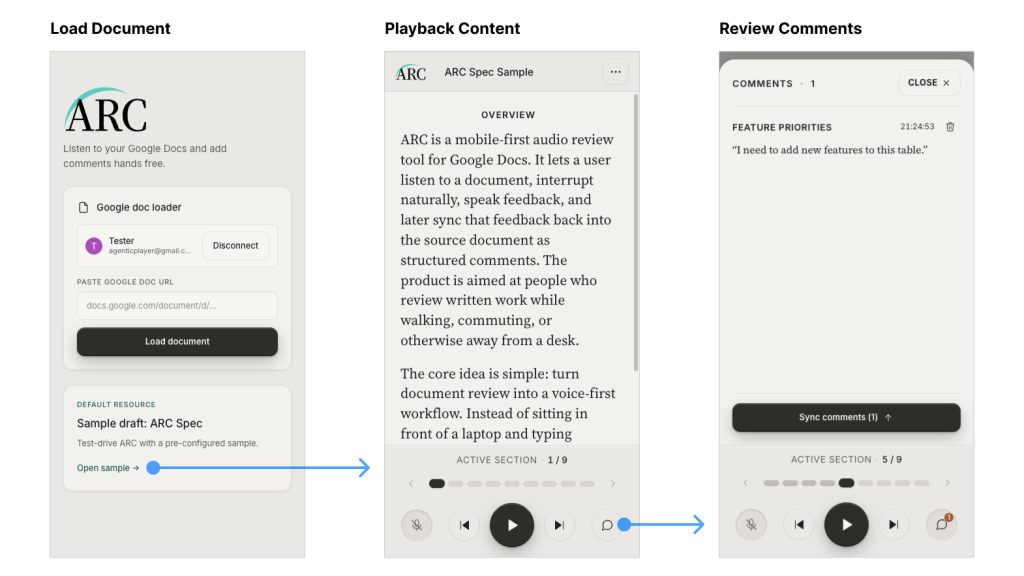
It may be that tools like ARC will begin to feel less like experiments and more like early patterns of how we might actually work. The industry is heading in this direction: Nvidia recently announced AI chips for laptops that run models locally.
“Using a single model to read and navigate meant it was like talking to someone who understood the document whilst acting as a guide.”
Building on my terms
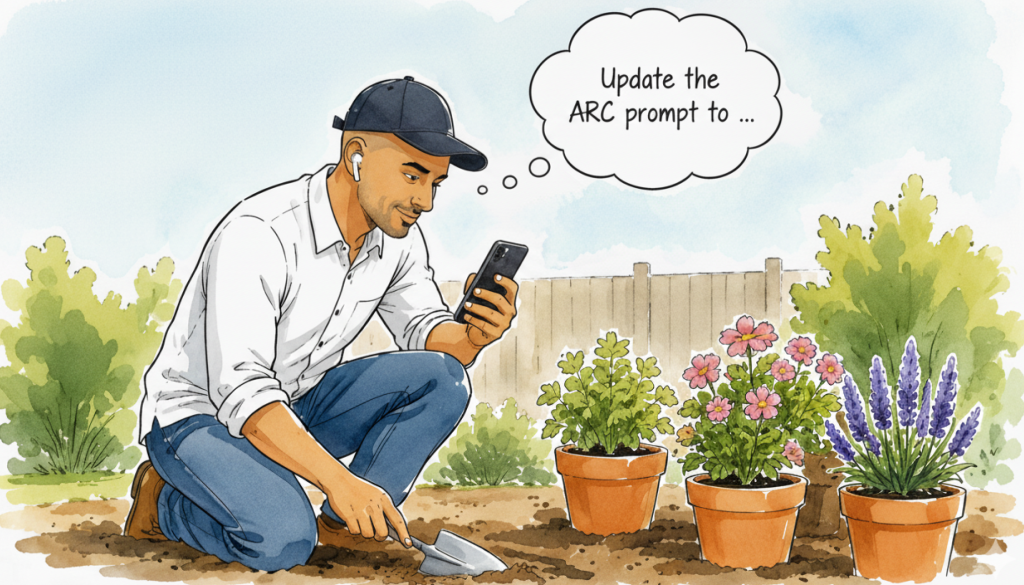
The most striking revelation for this build was how I continued to refine the app experience. Unexpectedly I did a lot of modifications in the field. By this I mean I continued to use the app in different contexts from going on a walk to gardening. As I encountered issues, I created prompts there and then on my mobile and retested the updated app in situ, a genuinely new experience in my workflow development, refining apps whilst weeding the patio.
There were a few limitations of using Google’s AI Studio. Being browser-based rather than a native app, it couldn’t run in the background on my iPhone meaning the screen had to be on. The Google Docs comments API is very limited and wouldn’t let me insert and anchor comments specifically to a highlighted section, so comments were prefixed with a section name for context — but considering most of my comments were for AI, this was less of an issue. However one advantage was that I built the majority of the app with my free token allowance.
Setting the boundaries
A recent HBR study found that AI intensifies work rather than reducing it; people are squeezing in more work out of hours as AI is so omni-present and easily accessible. While I have been using ARC to reclaim some time away from the desk, I realise that tools like this can be a double-edged sword. If deployed in the wrong context, they can easily encroach on sacred personal downtime.
I have come to view this in two distinct ways. If I’m already in the middle of my working day, choosing to review a document while walking to the shops is a welcome break from the screen. It’s work, but on my terms. On the other hand, going on a mindful walk and then deciding to squeeze in some work feels like a direct encroachment on my personal downtime. I built ARC specifically to empower the first scenario. It gives me the flexibility to handle my work, my way, ensuring my true leisure time to disconnect remains work-free. Most importantly, I got a little more time outside, which, after months of screen-bound reviewing, felt genuinely liberating.
“If I’m already in the middle of my working day, choosing to review a document while walking to the shops is a welcome break. It’s work, but on my terms.”
The world is rapidly changing. We can either be at the mercy of these systems or use them to reclaim how we work. Let’s design and build things that help us work how we want to.
Try ARC
Give the ARC app a go, use it when you work, not on your downtime.
ARC Version 1 was built to solve my specific problem, but I know the UX and engineering community can take this further. I’ve made the repository open source on GitHub, you can also remix it on Google AI Studio. If you have ideas to improve the voice experience, better navigate complex elements hands-free, or manage to overcome the Google Docs API limitations, please submit a pull request or start a discussion in the repo.
Note: To review your own Google Docs, you will need to grant the app permission to access them — the easiest way to do this is to remix it on Google AI Studio, as everything runs within your own space. If you’d rather try out the functionality first without connecting your own documents, use the sample doc provided to get a feel for how it works.
- ARC Audio Review Companion on Google AI Studio — Give it a go and try it yourself. Use an API key if you don’t want it to train on your data.
- ARC Audio Review Companion on GitHub — Explore the source code, fork and remix.
Related and further reading
- How generative AI can boost highly skilled workers’ productivity — Early promise of productivity gains, from MIT Management — Sloan School (Oct 2023)
- AI could replace equivalent of 300 million jobs — report — Early estimate from Goldman Sachs around AI impact to jobs, on BBC News, (Mar 2023)
- Will AI free employees or crush meaningful work? — Explores the tensions of how AI might be adopted in the workplace, on Raconteur (Jan 2025)
- Designing with AI without losing your mind — My journey to create a real-time multi-modal white-boarding partner, that promotes critical thinking, by Heenesh Patel (Apr 2026)
- ‘It’s a great healer’: why being outdoors in nature means so much to us — The Guardian (May 2026)